Business Blogging Without the Typing: Talk It, Tidy It, Post It
Business blogging for people who hate writing. Dictate the story of a job into your phone, tidy it, add a photo, post it with your name on it. Why Google rewards it however it's produced, what to talk about, and the twenty-minute routine.

By Boostable · 13 September 2026
Websites and SEO for Australian businesses · ~11 min read

 Get Your Content Out There

Want to blog for your business but can't face the writing? You don't have to write. The first version of this post was dictated on a couch, into the WordPress app on a phone, by pressing the little microphone next to the space bar and talking. That's still the fastest route into business blogging for anyone whose trade is doing things rather than describing them: think of something worth saying, say it, tidy it up, post it. Twenty minutes, and a page that didn't exist before now exists for Google to find.
This post is the method, what to talk about, why Google is fine with content produced this way (its own words, below), and the one thing that stops most people before they start: thinking it has to sound clever.
- SEO with Boostable: if even talking it out is one job too many, we interview you and write it.
- How to write about your business so customers can find your expertise
- Build customer trust by sharing your expertise
- Why your content strategy is backwards
Write first, check later
The trick is to think first about what you want to say, then just say it. As long as you have something helpful to tell people, it's enough. Don't worry that you can't make yourself sound clever. Don't think you have to sound fancy. The person who will find your post is someone with the exact problem you solved last Tuesday, and they don't care whether you sound like a writer. They care whether you know what you're doing, and the story shows that better than the prose ever could.
Google's guidance says the same thing from the other side. Its content advice asks whether a page "clearly demonstrate[s] first-hand expertise and a depth of knowledge (for example, expertise that comes from having actually used a product or service, or visiting a place)."[2] A story about a job you did is first-hand expertise by definition. A polished paragraph about your "commitment to excellence" isn't.
There's a second reason to write first and check later: the checking is where most posts die. People dictate a decent story, then read it back with a teacher's eye, decide it isn't good enough, and never post it. Set the bar at "true and useful", not "good". A true, useful post that's a bit rough is on the internet doing work. A perfect one that's still in drafts is nothing.
Your chance to stand out
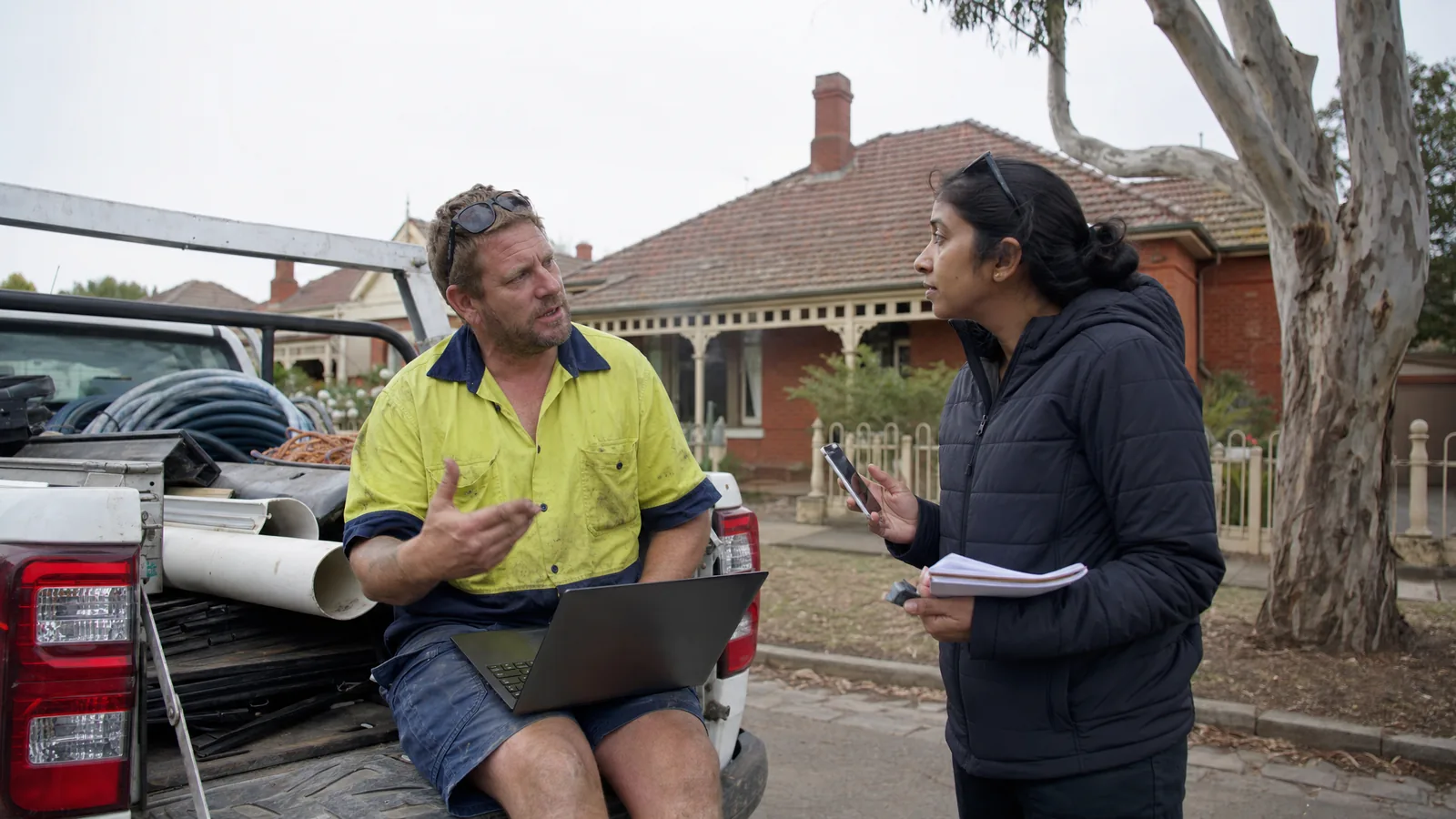
It's always best when the expert on a subject is the one who writes about it. That doesn't happen enough, which is exactly why you have the chance to stand well out from the crowd. There are always people who need help with exactly what you do. They have a problem they want fixed, and they probably don't need you to sound clever while telling them about it. If you're in a trade where actions count more than words, short and sharp is the way to go.
Google's starter guide asks you to "think about the words that a user might search for," and points out that "users who know a lot about the topic might use different keywords in their search queries than someone who is new to the topic."[3] When you tell a story the way you'd tell a customer, you naturally use the customer's words: "the fence was leaning", not "structural deficiencies were observed". That's the language Google matches. Its ranking explainer says the most basic relevance signal is a page that "contains the same keywords as your search query."[4]
Everyone has a story
Maybe you're an electrician who's seen something wired in a dangerously creative way. A fence builder who can't believe the fence he replaced today stayed up as long as it did. A bookkeeper who just worked out a trick that saves every client an hour a month. You know something others don't, and the people who find your story online are the people looking for it: the ones who want to hear what you've got to say and, having heard your logic, might want some of it.
The stories that work are the ones you'd tell at the pub. What shocked you. What made you laugh. Examples of how not to do things, with how you'd do them instead. What goes wrong on this kind of job when it's done cheaply, and what you do so it doesn't. Every one of those is a page a customer might search for, and a demonstration of the thing Google says it rewards: "expertise, experience, authoritativeness, and trustworthiness."[1]
| You | The story | Who's searching for it |
|---|---|---|
| Electrician | The switchboard that was a fire waiting to happen, and what a safe one looks like | "old switchboard safe", "switchboard upgrade cost" |
| Plumber | Why the hot water kept cutting out, and the ten-minute fix | "hot water cuts out", "hot water system tripping" |
| Arborist | The gum that split in the storm, and how to tell if yours will | "gum tree dangerous", "tree assessment before storm" |
| Cafe owner | How you chose the beans, and what changed when you did | "best coffee in [suburb]", "single origin vs blend" |
| Bookkeeper | The BAS mistake you see every quarter | "common BAS mistakes", "BAS due date" |
| Any trade | What a cheap job looks like two years later | "cheap [trade] worth it", "[trade] gone wrong" |
Just think and speak
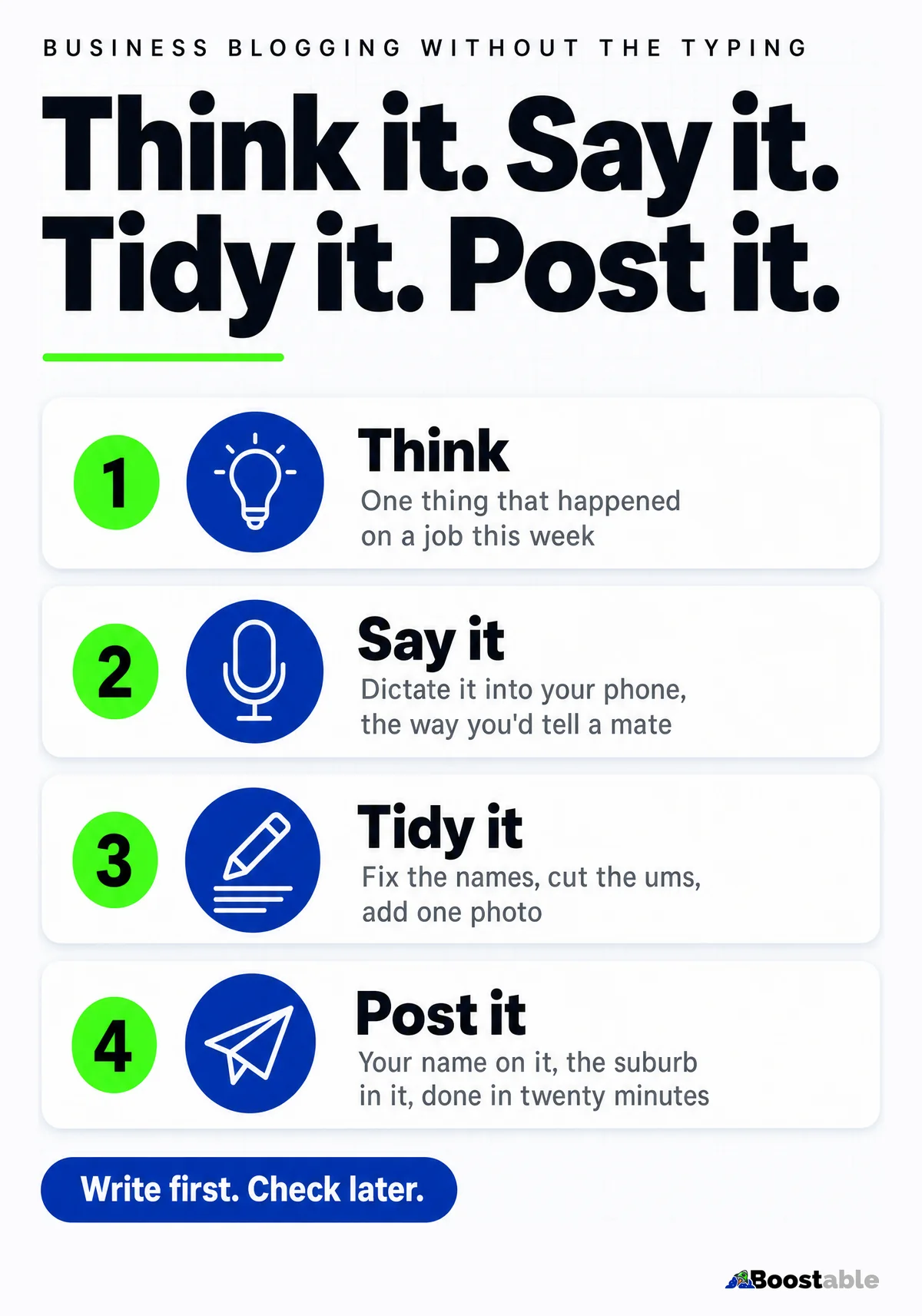
Here's the whole routine. Think of the one thing. Open the notes app, or the WordPress app, or a Google Doc. Press the microphone. Talk for three or four minutes as if a customer had asked you about it. Stop. Read it back. Fix the names the phone got wrong, put the full stops in, cut the ums. Add one photo from the job. Put your name on it. Post it.
The tools are already in your pocket. Apple's guide says that "with Dictation on iPhone, you can dictate text anywhere you can type it," that requests "are processed on your device" with "no internet connection required," and that you add punctuation by saying "the name of the punctuation mark."[5] Android phones have the same microphone on the keyboard. On a computer, Google Docs lets you "use your voice to type and edit your document" in Chrome, Edge or Safari.[6] Or record a voice memo in the ute and type it up later. The route doesn't matter. Getting the guts of the story out of your head does.
Two habits make the dictation come out usable. Say the punctuation: "full stop", "new paragraph", "question mark". It feels silly for a day and then it's automatic, and it saves most of the tidying. And talk to a person. Picture the customer who rang about this exact problem and answer them. Dictation that's addressed to nobody comes out as a lecture; dictation addressed to one worried customer comes out as the thing they were searching for.
The tidying is the part people overdo. You are fixing what the phone misheard and putting the sentences back in order, not rewriting. If a line reads like something you'd actually say, leave it, even if a teacher would mark it. That's the voice customers trust, and it's the voice that's impossible to fake with a template.
Think
One job, one thing that happened, one thing the customer should know. Two minutes.
Say it
Microphone on. Tell it like you'd tell a mate. Say "full stop" and "new paragraph". Four minutes.
Tidy it
Read it once. Fix names, cut ums, bold the one line that matters. Add a photo. Ten minutes.
Post it
A plain title in the customer's words, your name on it, the suburb in it. Four minutes.
"Tamhas is professional, extremely quick and generous with his time in explaining what he's done. He goes above and beyond with explainer videos to educate us and enable us to fix our own problems in the future. He is diligent in checking up on our site and whether we need help with anything. I can't recommend Tamhas and his work enough."
Jemma Douglas ★★★★★ Verified Google review
What Google thinks of content made this way
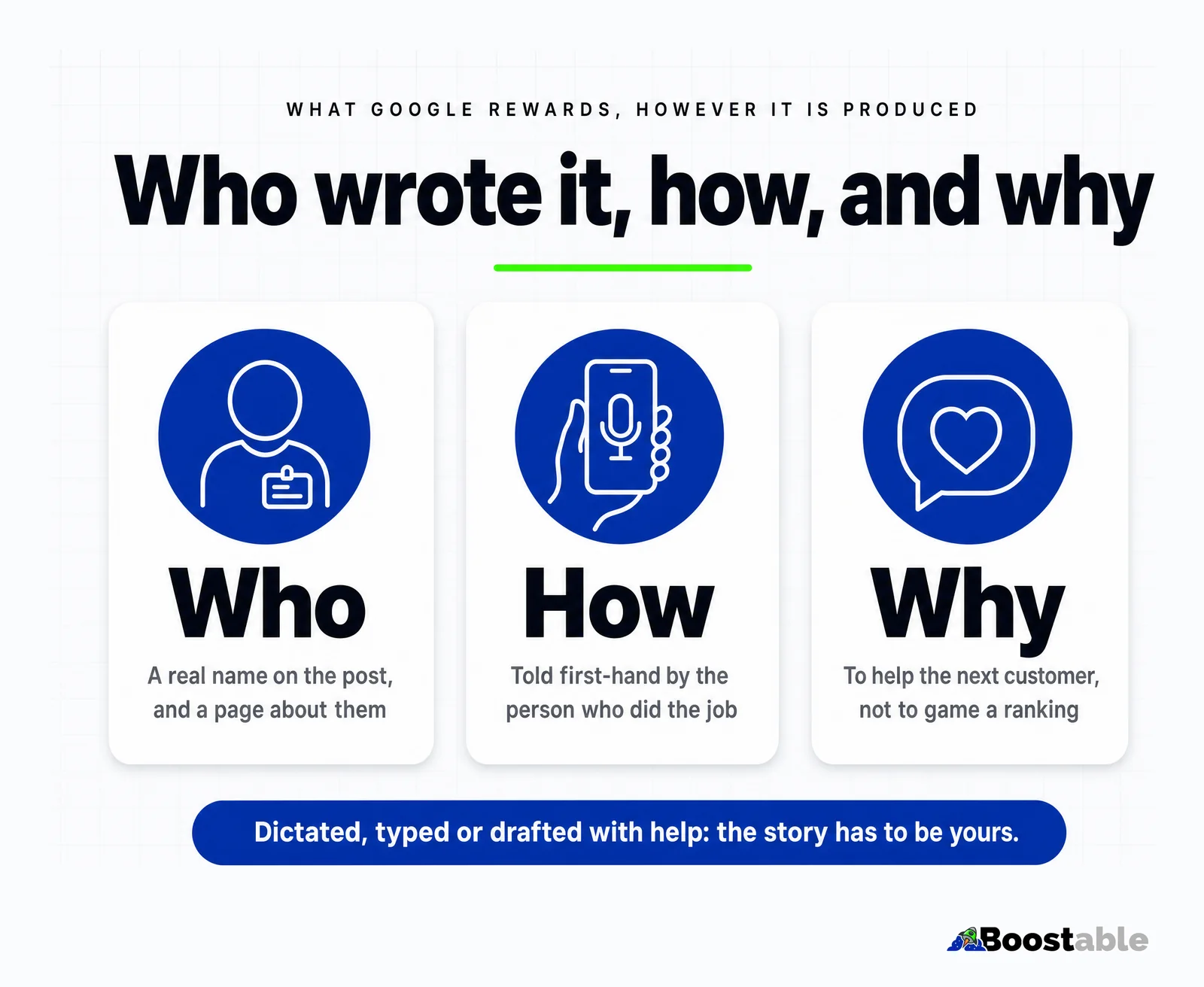
People worry that dictated posts, or posts they've tidied with an AI tool, will be marked down. Google has answered this directly. Its ranking systems "aim to reward original, high-quality content that demonstrates qualities of what we call E-E-A-T: expertise, experience, authoritativeness, and trustworthiness," and it adds three words that settle the question: "however it is produced." On tools: "Appropriate use of AI or automation is not against our guidelines. This means that it is not used to generate content primarily to manipulate search rankings."[1]
So the line isn't dictated versus typed, or tool versus no tool. It's whether the content exists to help someone or to game a ranking. A story about your own job, told by you, tidied by whatever you like, is on the right side of that line. A hundred posts generated about jobs you never did is on the wrong side. Google also asks whether it's "self-evident to your visitors who authored your content," and "strongly encourage[s] adding accurate authorship information."[2] Put your name on it.
✓ Worth posting
✗ Not worth posting
- "Top 10 tips" generated about a trade you don't do
- A press-release voice nobody would use out loud
- The same post with the suburb name swapped, thirty times[1]
- Anything written to fill a schedule with nothing in it
- A post with no name on it and no photo of anything real
The other thing worth dictating is a review request. The card and the text that collect them are free.
Get the free review systemWhat to leave out
Prices you'd rather quote in person; say "from" or say nothing. Anything that identifies a customer without their say-so: the suburb is fine, the street and the surname aren't. Complaints about other tradies by name. And the temptation to end every post with a sales pitch. A line at the bottom with your name, your area and your number is plenty. The post did the selling by being useful.
Leave out the jargon too. If the phone transcribes a word your customer wouldn't know, replace it with the thing they'd say. "Hydraulic seal failure" is "the ram was leaking". You lose nothing with the customers who know the term and you gain everyone who doesn't, which is most of them and, per Google's starter guide, most of the searches.[3]
Blogging helps customers find you
Somebody searching for an easier way to write a business blog might find this post. That's an extra page to be found by, and one more chance to win the work. The same is true of every post you dictate: a plumber's story about a hot water system that kept cutting out is a page for "hot water cuts out", which is a search made by someone who needs a plumber this afternoon.
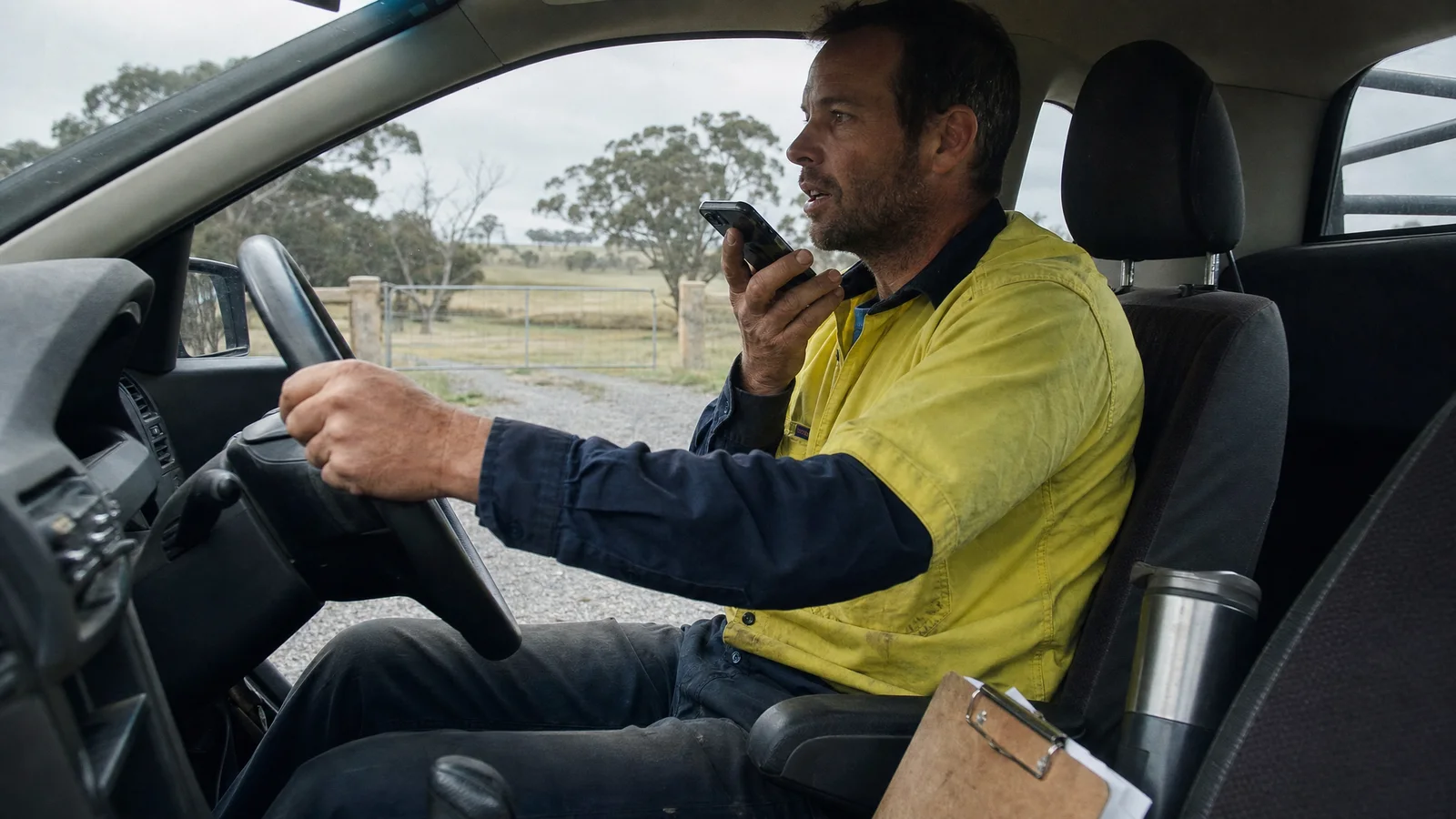
Video works the same way, and it's even less writing. 91% of Australian adults watched online video in a given week in 2025.[7] Prop the phone on the dash, talk for ninety seconds about the job you just finished, upload it. The post above this one started as exactly that: a screen recording of a post being dictated. If you keep a Google Business Profile, the same story can go up there as a post too; Google archives profile posts after six months unless you set a date range,[8] so treat it as a steady drip rather than a one-off.
"Tamhas is very well-versed in everything you might need to know about platforms including WordPress and Canva and is able to either get the job done efficiently or take you through the paces so you can learn the tricks of the trade and apply it for yourself for your future projects. I've had one session so far and I'll definitely be booking in with him again soon. 'Speaking tech' is an integral part of operating a successful business today. Thanks for helping me to learn the language!"
Nicole Chabot ★★★★★ Verified Google review
Where the posts go, and what to do with them after
On the website, under a blog or a news page, with the title in the customer's words. Then link to it from the service page it's about: the hot water story from the hot water page, the switchboard story from the electrical page. That's what turns a pile of posts into a site Google can make sense of, and it's how a reader who lands on the story finds the page where they can hire you. Share the same story on the Google Business Profile and on whatever social page the business already has. Same words, three places, one dictation.
After a few months, look at which posts brought calls. Ask new customers what they read. The stories that pull tend to be the plain ones about a specific problem, and once you know which, you'll know what to talk about next. It's the only editorial calendar a small business needs.
The simplest way possible
Writing a blog is easier than you expect if you go at it the simplest way possible, and the simplest way possible is just to say something. Anything true and useful. Then proofread, hit publish, and get it out there.
- Pick one thing that happened on a job this week that a customer would want to know.
- Open the notes app, press the microphone, and tell it for three minutes as if a customer had asked.
- Read it back once. Fix the names, add full stops, cut the ums. Don't polish.
- Add one photo from the job. Give it a title in the customer's words: "Why your hot water keeps cutting out".
- Put your name at the bottom and post it. Then do it again next week.
If even the talking is one job too many, that's what our SEO service does: we ring you, record the stories, and write the pages and posts with your name on them. Either way, the expertise is yours. It just has to get out of your head and onto a page where a customer can find it.